Built for the moment between canvas and approval.
Figma is for creation. SharePoint is for storage. Atelier owns the gap between them — the stakeholder review, the layer-locked share, the comment thread on the actual frame, and the clean approved export that goes to production.
Versioned Canvases
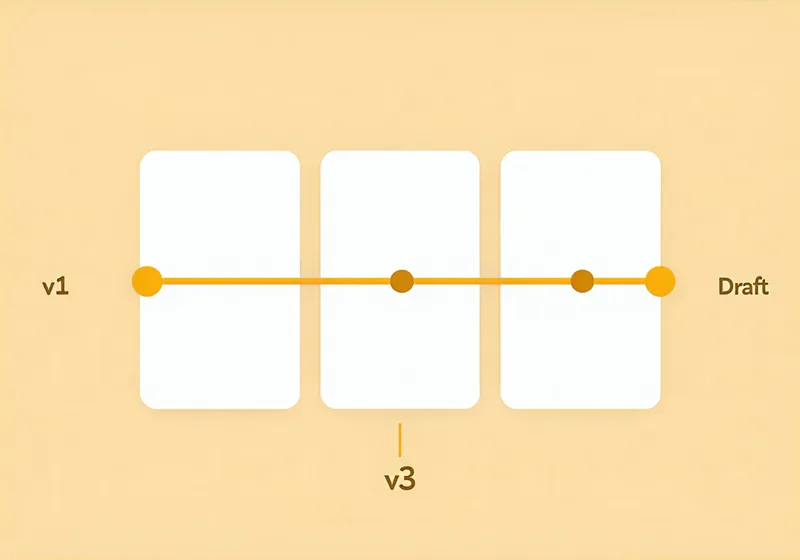
Every save creates a named, timestamped snapshot of your entire canvas. You can roll back, diff, or branch — the version log is the permanent record that no email chain can replace.
- Automatic snapshots on every save — no separate "save version" step required
- Named milestones: label a version "CD review — week 2" or "Post-approval final" and find it instantly later
- Side-by-side diff shows exactly which layers changed, moved, or were added between any two snapshots
Lockable Layers
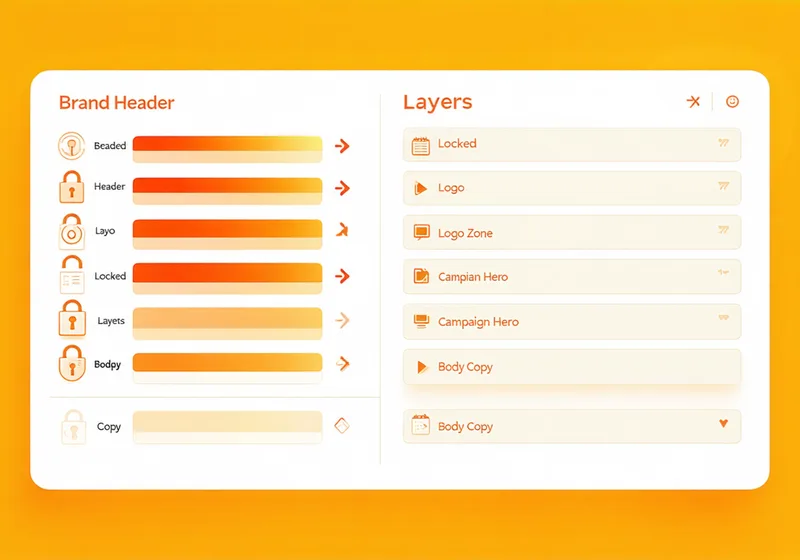
Lock any layer or layer group before sharing. Granular control: lock the brand logo zone and the approved campaign hero while leaving headline copy and CTA text open for editorial comment. Reviewers can see and comment on every element — they just can't break what's already been decided.
- Lock at any layer depth — a single artboard, a group, or a single frame element
- Locked elements display a clear padlock indicator to all reviewers
- Unlock requires designer action — no silent overwrites from stakeholders with edit access
Frame-Anchored Threaded Comments
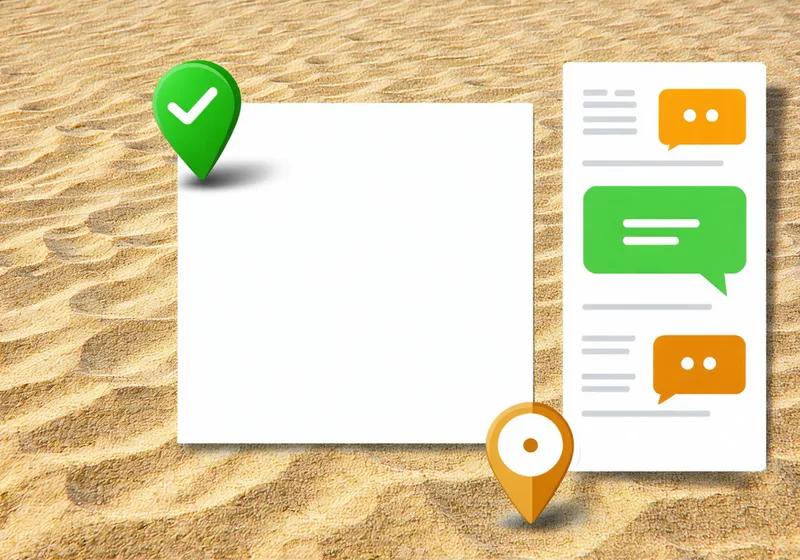
Every comment pin lives on the exact canvas element it references — not in a sidebar numbered list that loses context when the layout shifts. When you update the canvas, the threads move with their elements. A reviewer commenting on the headline copy can't accidentally reference the logo zone.
- Drop a comment pin anywhere on the canvas — on a frame, a group, or a single element
- Threaded replies keep designer and reviewer in one conversation per pin, not per email
- Filter to open-only, resolved, or by reviewer — close the review cycle without leaving the canvas
Hand-off Export
When all comment threads are resolved and the canvas is marked approved, export a clean, comment-free version for production. The export is version-tagged, timestamped, and ships with an embedded approval record — so the print vendor, developer, or media buyer knows exactly what state they're receiving.
- Export as PDF (print-ready), PNG (digital delivery), or Figma-compatible package for dev handoff
- Every export is auto-tagged with the version label and approval timestamp
- Embedded approval record names who signed off, on which version, and when — no separate brief needed