Most teams that decide to build a design system start with ambition: we're going to document every component, define every interaction pattern, establish every spacing rule, and create a single source of truth that every designer and developer on the team will use forever. Six months later, the project is stalled at 40% complete, the documentation is already out of date, and two designers are still working from their own personal component files because the "official" system doesn't have what they need.
The failure isn't a lack of discipline or effort. It's a scope problem. The comprehensive design system as typically conceived is a product unto itself — one that requires maintenance, governance, and ongoing investment to stay alive. Most teams don't have those resources. So the system becomes a documentation exercise instead of a living tool, and documentation that nobody uses is just organized debt.
Start With Primitives, Not Components
The version of a design system that actually survives in real teams is one that starts with primitives: the base layer of design decisions that inform everything else. Color tokens. Typography scale. Spacing units. These three things, defined once and used consistently, give you 80% of the value of a full design system with 10% of the effort.
Here's a practical starting point:
- Define your color palette as named tokens — not hex values, but semantic names (primary, surface, text-secondary, border, error). This is the single change that most improves design-to-development translation.
- Define a type scale — typically 5-7 sizes. Name them by role (display, heading-1, heading-2, body, caption, label) rather than by size (24px, 18px, etc.).
- Define a spacing system — a consistent set of values, usually multiples of 4 or 8. If your spacing tokens are 4, 8, 12, 16, 24, 32, 48, 64, that's a usable system.
These three things fit on a single page. They're specific enough to be useful, simple enough to be maintained. Start here, and build components only as you actually need them.
The Inventory Step Most Teams Skip
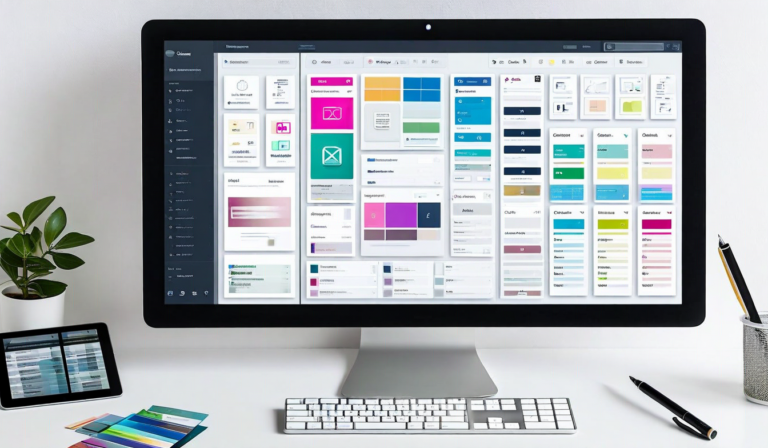
Before building anything new, do an inventory of what already exists. Open the five most recent design files your team has shipped and catalogue every unique button, card, form input, navigation pattern, and heading style you find. The typical result surprises people: 7 slightly different button variants, 4 heading styles that should be 2, 3 different card corner radii, and 2 conflicting text input styles that got built at different times.
This inventory step is unpleasant. It surfaces years of accumulated inconsistency in one place. But it's essential — because a design system built without it will be built alongside the inconsistency, not instead of it, and you'll end up maintaining two systems.
The goal of the inventory isn't to catalog everything forever — it's to identify the smallest set of components that covers the majority of your actual use cases. In our experience, 12-15 components cover about 85% of the UI patterns most product teams use regularly. Start with those, not with 80 components documented to a depth you can't maintain.
The Living System Problem
A design system that's built once and never updated isn't a system — it's a snapshot. The question of how to keep a design system alive is often harder than the question of how to build one, and it's a question most teams don't think through before they start.
The lightweight answer: make the system easy to update. When a component evolves in production — a new state gets added, a spacing value gets refined, an interaction pattern gets improved — the system should be updated that day, not added to a backlog of "system maintenance" that will be addressed someday. If updating the system costs more than 15 minutes, the system will accumulate drift instead of updates. Optimize for update speed above all else.
A design system is a shared vocabulary. Like any language, it only works if everyone uses the same words to mean the same things. The discipline isn't in building the system — it's in using it, trusting it, and maintaining it as a team investment rather than a side project. Small, consistent, and alive beats large, comprehensive, and stale every time.