Versioned Canvases
Every save creates a named, timestamped snapshot. Roll back to any milestone, compare two versions side by side, or branch from a previous state without touching the current canvas.
Your canvas history is your audit trail
Stop sending final_FINAL_v3.pptx. Atelier gives brand designers versioned canvases, lockable layers, and reviewer comments anchored to the exact frame they touched — so every deck ships with one clear approved version.
Used by in-house brand designers and creative directors at
Reviewers comment on the wrong version. The file changed, but nobody told the stakeholders which attachment to open.
Layer edits break work already approved. The logo zone was locked in the brief but someone moved it in the shared file.
Nobody knows what shipped. The final final file is somewhere in a thread from three weeks ago.
Not a repurposed project tool. Not a presentation platform. Not Figma with a comment layer bolted on. Atelier owns the stakeholder review step — from first share to approved export — and nothing else.
Every save creates a named, timestamped snapshot. Roll back to any milestone, compare two versions side by side, or branch from a previous state without touching the current canvas.
Your canvas history is your audit trail
Lock a brand logo zone while leaving the copy layer open for comment. Reviewers see every locked element clearly marked — and can't touch it without designer permission.
Lock the logo zone. Leave the headline open.
Each comment pin lives on the exact element it references. When you update the canvas, the thread stays in place. Resolve, dismiss, or re-open — nothing falls into an email chain.
Feedback that stays where you put it
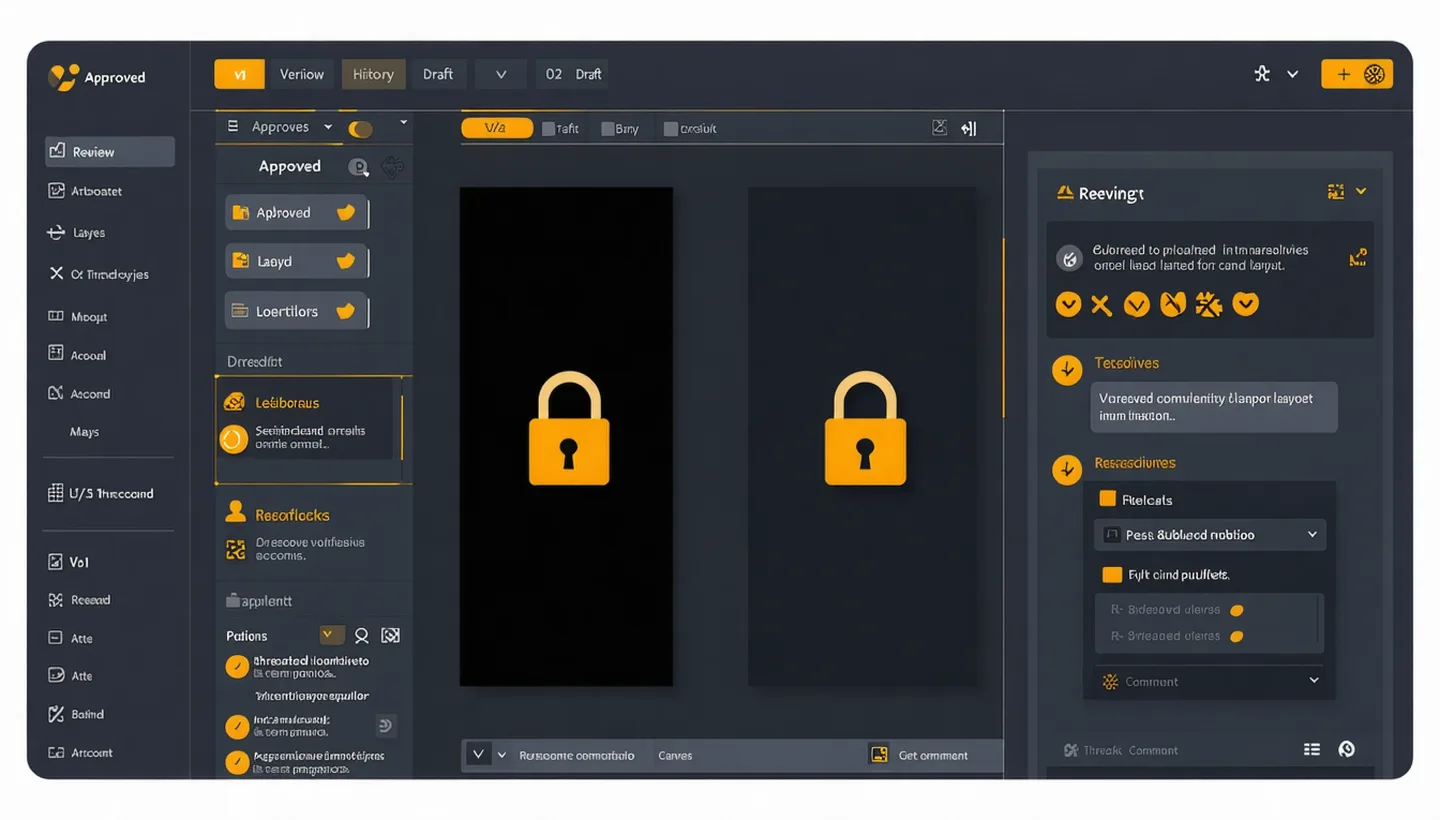
Version history in the left panel. Locked layers clearly marked in the canvas. Threaded comments in the sidebar — each one anchored to the exact frame a reviewer touched. No tabs, no email, no context-switching.
Start from scratch or import your existing design file. Atelier preserves every layer and structure.
Lock the layers that shouldn't change. Invite reviewers with comment-only access — they can't accidentally break your work.
Address feedback in context, mark threads resolved, and export a clean approved version — with full history intact.
"Before Atelier, every campaign review ended with six email threads and nobody sure which file was current. Now our CD reviews from one versioned link and I know exactly what she's commenting on."
"Layer lock is the feature I didn't know I needed until a stakeholder moved our campaign hero two hours before the print deadline. That's the last time that will ever happen."
"The client changed direction at week five and asked for the week-three layout. In the old world that's a two-day scramble. We had it exported and in their inbox in twenty minutes."
Free for solo designers. Pro at $12/user/month — same per-seat as Figma Professional, for the phase Figma doesn't cover. No annual contract required.
No credit card required. Early access is invite-only.